
WORKSPACE UPDATES
Bringing Google Meet to more meeting rooms and shared spaces
With the move to a hybrid workplace,...
How organizations can rethink their approach to time management coaching
How to better enable employees to be successful...
Google Workspace includes the productivity apps you know and love—Gmail, Drive, Docs, Meet, and many more—in one location, so you can create, communicate, and collaborate.
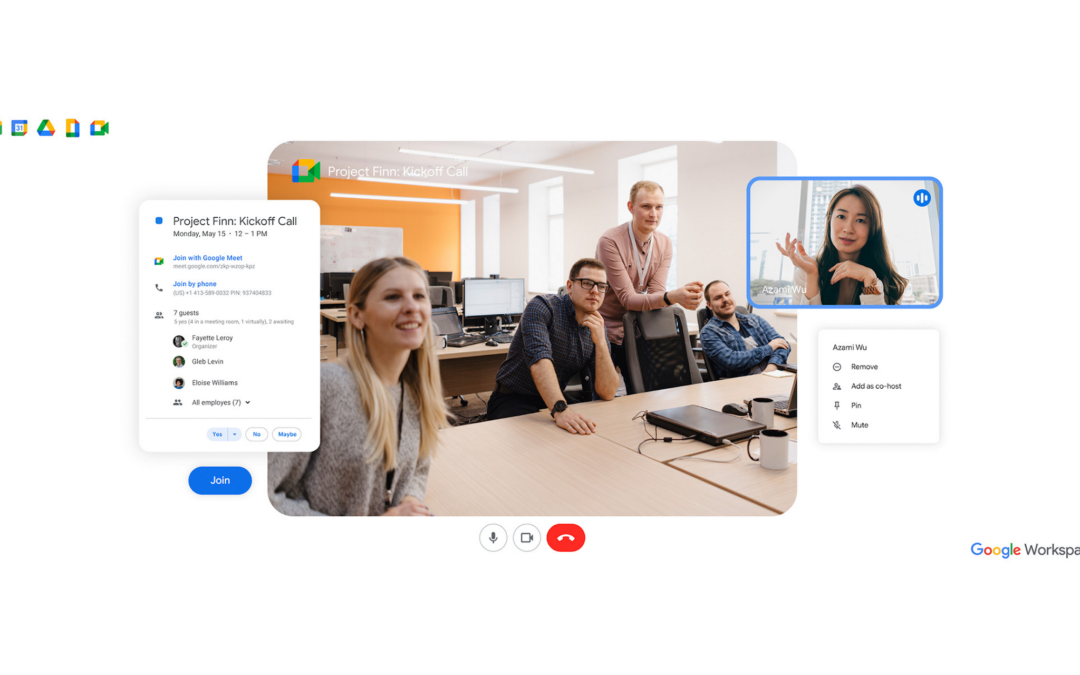
Bringing Google Meet to more meeting rooms and shared spaces
With the move to a hybrid workplace, organizations need to bridge the gap between locations and devices, and facilitate more immersive connections between their people, partners, and customers. This is especially important in conference rooms and shared spaces where...
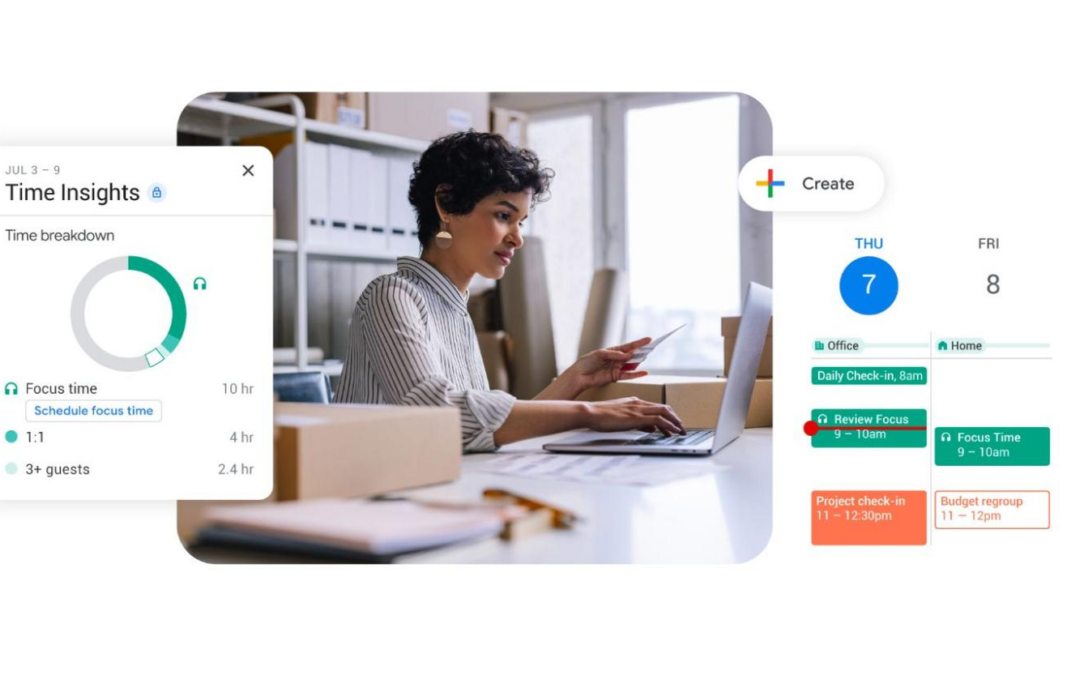
How organizations can rethink their approach to time management coaching
How to better enable employees to be successful and impactful in a hybrid work world.As business leaders evaluate their hybrid work models, employee productivity is top of mind. They’re trying to understand how to balance organizational needs for productivity with...
FAQ
What is the difference between Google Workspace and Google's free apps?
Can I purchase individual Google Workspace apps?
No. When you sign up for Google Workspace, you’ll gain access to a set of integrated apps that work together seamlessly. For instance, you can receive a message in Gmail and instantly convert it into a Calendar event. When you make a comment in Docs, Sheets, or Slides, collaborators automatically receive email alerts. With a single click, you can join a video meeting in Meet from your inbox or calendar. Using these tools together improves productivity and gives your business the most value. However, you’re welcome to purchase the suite and only use the services of your choice.
Can I replace my current software with Google Workspace?
We’ve found that many of our customers are able to eliminate their existing productivity suites and rely exclusively on Google Workspace to create different kinds of files, including text documents, spreadsheets and presentations. You can work on these files with other people in real time and store them in the cloud with Google Drive. Google Workspace’s apps work across devices. Unlike traditional desktop applications, there is no software to install. Google Workspace is also compatible with files created in other programs, such as Microsoft Office.
Can a user have more than one email address?
Yes. A user can have multiple email addresses by creating email aliases such as support@yourcompany. You can add up to 30 email aliases for each user.
What file types can I upload to Drive?
You can upload any type of file to Drive and convert certain types of files to a web-based Google document format: Docs, Sheets or Slides.
No Results Found
The page you requested could not be found. Try refining your search, or use the navigation above to locate the post.
No Results Found
The page you requested could not be found. Try refining your search, or use the navigation above to locate the post.
No Results Found
The page you requested could not be found. Try refining your search, or use the navigation above to locate the post.