
WORKSPACE UPDATES
More ways to prevent data exfiltration on iOS devices
What’s changing In 2020, we...
Expanded language support for captions and translated captions in Google Meet
What’s changing In January 2022, we...
Google Workspace includes the productivity apps you know and love—Gmail, Drive, Docs, Meet, and many more—in one location, so you can create, communicate, and collaborate.
More ways to prevent data exfiltration on iOS devices
What’s changing In 2020, we released several data exfiltration protections for iOS devices. Today, we’re announcing the next set of enhancements for data exfiltration protections for iOS. We’re expanding these security controls to give admins...
Expanded language support for captions and translated captions in Google Meet
What’s changing In January 2022, we announced the general availability of translated captions in Google Meet. Translated captions provide real-time translations of the speaker's language, helping to make meetings more inclusive and collaborative for...
FAQ
What is the difference between Google Workspace and Google's free apps?
Can I purchase individual Google Workspace apps?
No. When you sign up for Google Workspace, you’ll gain access to a set of integrated apps that work together seamlessly. For instance, you can receive a message in Gmail and instantly convert it into a Calendar event. When you make a comment in Docs, Sheets, or Slides, collaborators automatically receive email alerts. With a single click, you can join a video meeting in Meet from your inbox or calendar. Using these tools together improves productivity and gives your business the most value. However, you’re welcome to purchase the suite and only use the services of your choice.
Can I replace my current software with Google Workspace?
We’ve found that many of our customers are able to eliminate their existing productivity suites and rely exclusively on Google Workspace to create different kinds of files, including text documents, spreadsheets and presentations. You can work on these files with other people in real time and store them in the cloud with Google Drive. Google Workspace’s apps work across devices. Unlike traditional desktop applications, there is no software to install. Google Workspace is also compatible with files created in other programs, such as Microsoft Office.
Can a user have more than one email address?
Yes. A user can have multiple email addresses by creating email aliases such as support@yourcompany. You can add up to 30 email aliases for each user.
What file types can I upload to Drive?
You can upload any type of file to Drive and convert certain types of files to a web-based Google document format: Docs, Sheets or Slides.
Understanding Gmail’s spam filters
Every day, Gmail’s filtering capabilities and advanced security protections help billions of people stay safe and get things done more efficiently. We’ve built a strong foundation, and over time, we’ve continued to improve our systems—blocking more than 99.9...
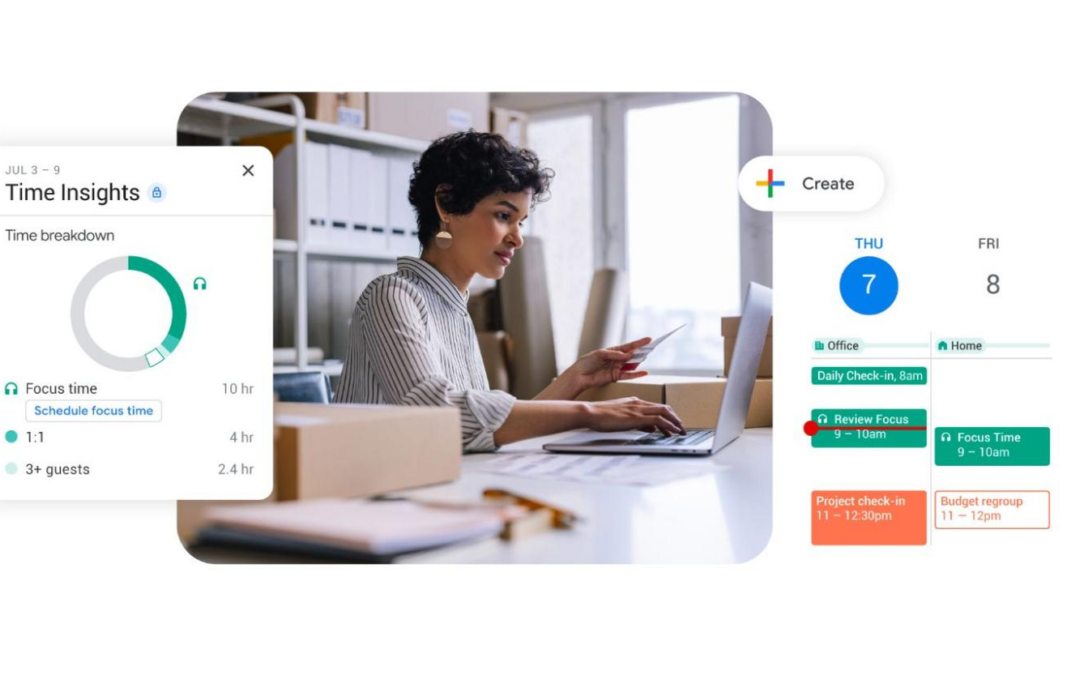
How organizations can rethink their approach to time management coaching
How to better enable employees to be successful and impactful in a hybrid work world.As business leaders evaluate their hybrid work models, employee productivity is top of mind. They’re trying to understand how to balance organizational needs for productivity with...
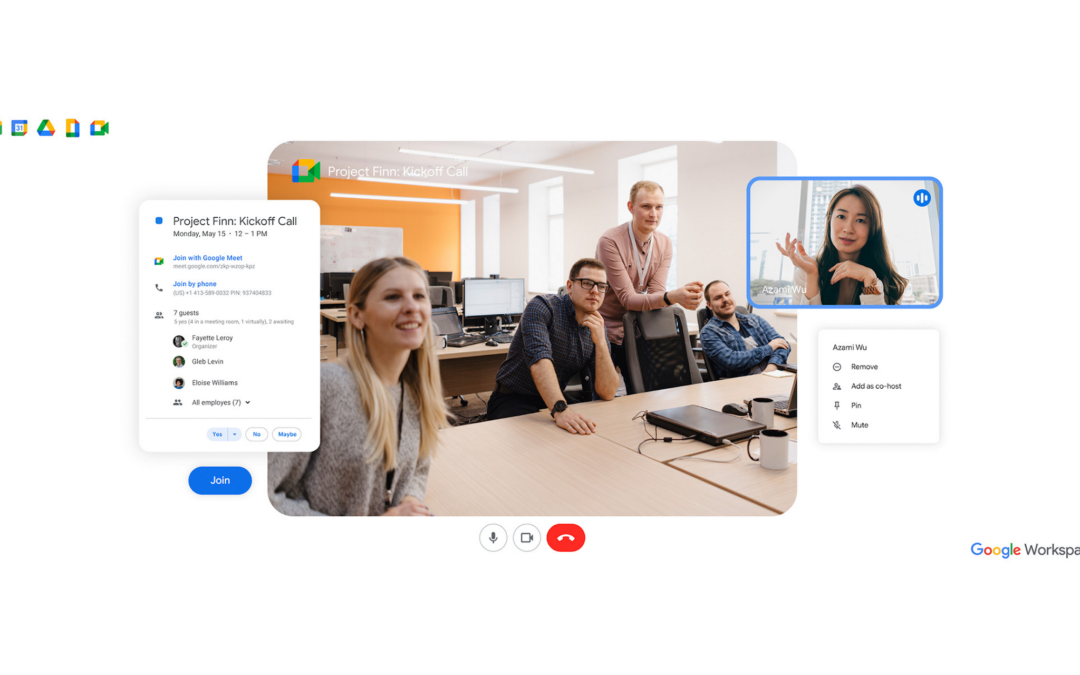
Bringing Google Meet to more meeting rooms and shared spaces
With the move to a hybrid workplace, organizations need to bridge the gap between locations and devices, and facilitate more immersive connections between their people, partners, and customers. This is especially important in conference rooms and shared spaces where...